Ozon · Mobile app · E-commerce · 2024
(00) Overview
Hypotheses
Work stages
Interviews conducted
With users
Role
Product Designer
Platform
Mobile app
Goal
Minimum clicks to purchase
Validation
Interviews and a test with users
(01) Task
To create the “ideal flow” for making a purchase on Ozon with the fewest steps. The task was considered not only through payment with the Ozon Card but more broadly: how to optimize the customer’s journey across different product categories.
The key challenge is to find a balance between the speed of checkout and user awareness, without sacrificing business metrics: average order value, conversion rate, advertising revenue.
(02) Problems
01
Unnecessary steps in the purchasing process
Especially noticeable when paying by card and receiving discounts and bonuses: the user goes through too many intermediate screens.
From user feedback
02
Inconvenient navigation interface
“Very inconvenient interface, too many unnecessary clicks. For example, to pay by card, you have to go through a lot of steps.”
From a user interview
(03) Process
01
Research
Brief, brand study, competitive analysis, current user journey
02
Hypotheses
Idea generation, 5 hypotheses to check with users (+ additional ones during interviews)
03
Interviews
User interviews for hypothesis validation
04
User flow
User flow based on data and revisions
05
Prototype and design
Creating the design solution
06
Test
Test with users to check the proposed solution
(04) Competitive analysis
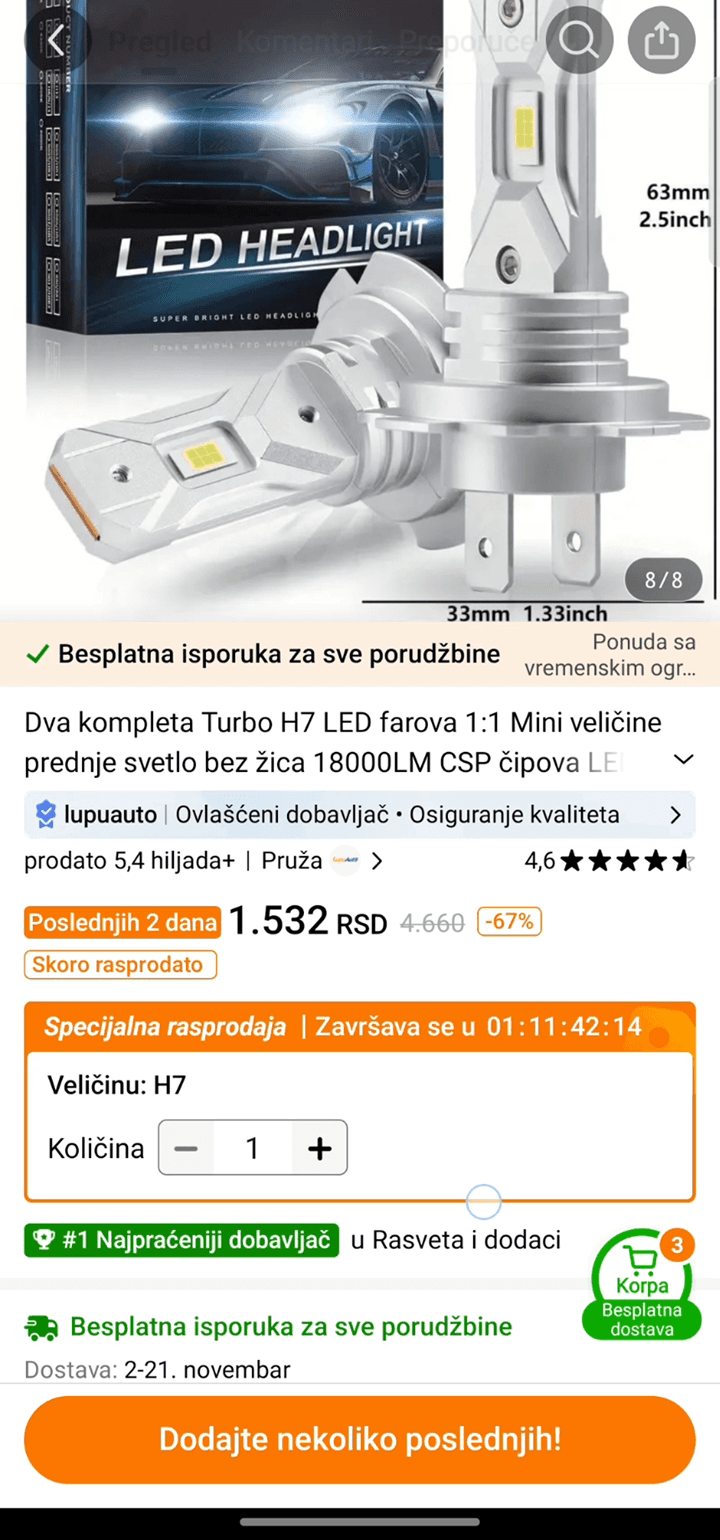
I researched the user flows of three competitors: Yandex.Market, Wildberries and Temu. For each of them I created a complete task flow, documented all screens from search to payment, and analyzed strengths and weaknesses. Some scenarios and details could also be used in Ozon to improve it.
01
Wildberries
Fast purchase flow, but overloaded product cards and complicated category navigation.


02
Yandex.Market
Clear interface, but a long path to payment; interesting solutions in filtering.


03
Temu
Aggressive upselling, but an effective recommendation system after payment and quick one-click purchase.

(05) Current flow
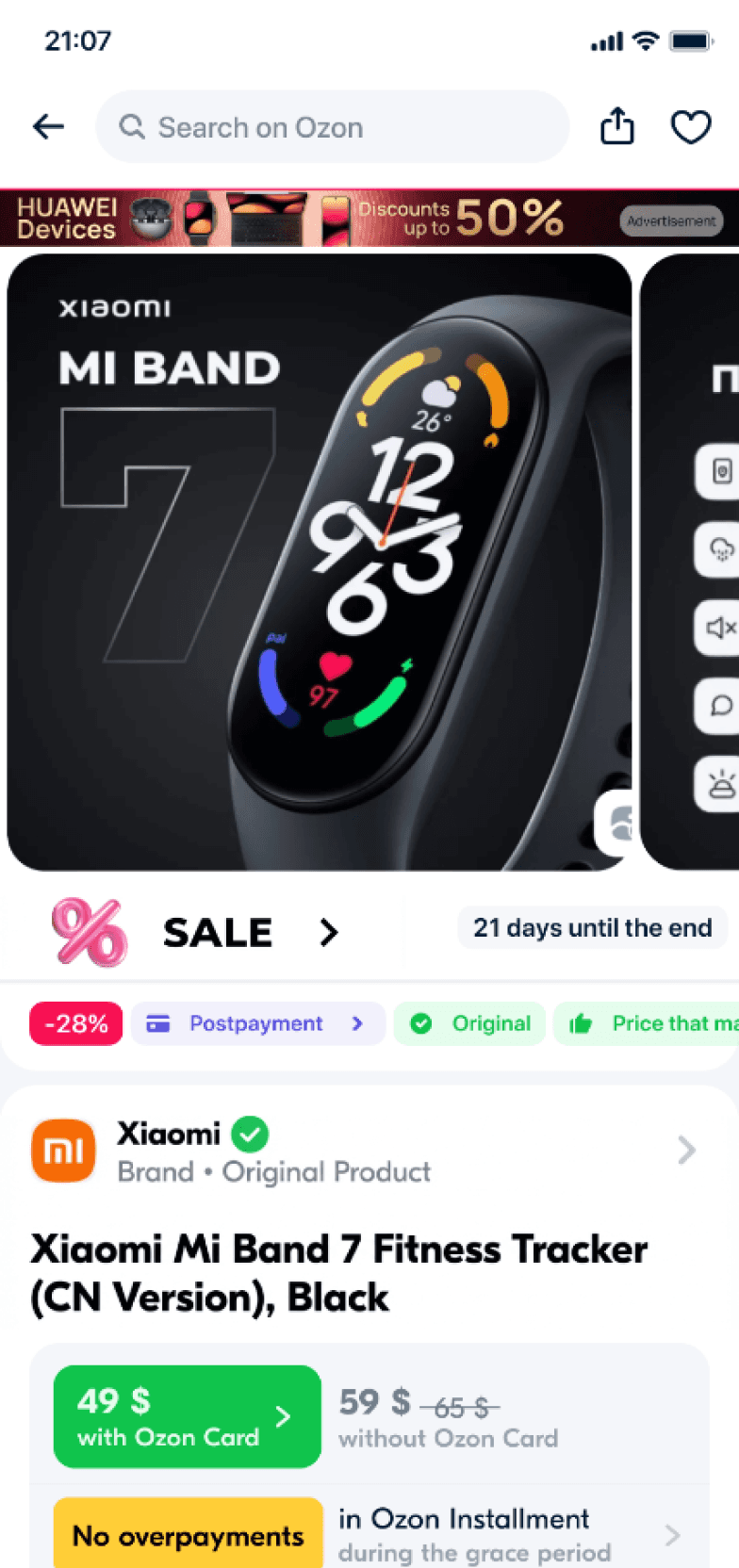
I documented the complete task flow in the Ozon app from the main screen to payment confirmation. I identified pain points: unnecessary steps between the cart and payment, no quick access to reviews, and a dead end on the “Thank you for your order” screen.
Pain points in the current flow
01
Too many intermediate screens between cart and payment
02
Reviews sit on a separate screen, no quick access from the product card
03
The journey ends at “Thank you”, no way to add more items to the order
(06) Research summary
Collecting all data from the competitor analysis, competitor flows and points to improve in the current Ozon flow, I summarized everything and continued with the following points.
01
Product card
A conveniently placed button for adding to favorites helps users plan purchases faster. The product description should stay free of distracting blocks such as ads or recommendations.
02
Detailed product description
Users appreciate when the description and photos aren’t interrupted by unrelated blocks. Ads could move lower — an open question, as ads are a revenue source.
03
Product variation selection
Letting users select multiple colors or options for a product improves the shopping experience.
04
Returning to previous steps
Letting users edit their cart after entering payment information simplifies ordering.
05
One-time payment option
One-time payments without saving card details improve security and build trust.
06
Quick recommendations and one-click purchase
After checkout, quick recommendations let users add items in one click — for those who remember needed items right after paying.
07
Payment for users aged 45+
Some users lack mobile banking. Simpler payment helps those less familiar with technology.
08
Cluttered interface
A cluttered interface is hard to master, especially for new users and older audiences. Less visual noise helps find functions faster.
09
Displaying reviews
Reviews you can view without leaving the page save time and speed up judging product quality.
(07) Hypotheses
01
Quick review access
Quick viewing of reviews directly on the product card will decrease clicks on reviews by 15% and speed up adding to cart by 10%.
Metrics: clicks on reviews; time on the product card; share of users who read reviews.
Approved
02
Notifications about availability
Availability notifications at the cart stage will decrease checkout abandonment by 20%.
Metrics: abandonment at order completion; clicks from the cart to the product page.
Failed
03
Adding items after checkout
A section with recommendations and adding items to a placed order will increase the average order value by 10%.
Metrics: average order value; conversion of the section.
Partly confirmed
04
Benefits of the Ozon Card
Showing the expected benefits of paying with the Ozon Card on the product page will increase the share of orders paid with it.
Metrics: clicks to activate the card; share of orders paid with it.
Need more data
05
Direct payment via Fast Payment
Direct payment via a QR code without an intermediate bank selection screen will increase successful transactions.
Metrics: conversion to completed orders; errors and cancellations at payment.
Partly confirmed
(08) Interviews
During the interviews I checked the hypotheses and also found interesting insights.

Interview preparation
01
Filtering reviews by keywords
Users want to quickly find relevant reviews instead of scrolling through everything.
02
The Ozon card is more of a savings tool
Rather than a full banking product, it’s perceived at the level of discounts and cashback.
03
Order to the wrong address
A common problem that leads to order cancellation and reordering.
04
QR code as an alternative to card linking
Preferred by users who value security and avoid linking cards.
(09) Additional hypotheses
Based on insights from interviews, I added 2 more hypotheses for testing and kept three (№1, №3 and №5) that were also confirmed as pain points.
H6
Top reviews on the product card
Quick scrolling of top reviews directly on the product card, plus filtering by keywords and sorting by usefulness.
Additional
H7
Pinned key options
Pinning the product’s important options helps find the needed data and decide faster.
Additional
H1
Quick review viewing
Viewing reviews directly on the product card decreases clicks to reviews.
H3
Pay in 1 click after payment
Adding products after payment: a “Pay in 1 click” screen within 10 minutes + personalized recommendations.
H5
QR payment without bank selection
Direct payment via Fast Payment with a QR code, without an intermediate bank selection screen.
(10) New flow
Based on interviews and research, I created a user journey. 3 hypotheses were added to this flow for further testing. 8 screens were prepared for minimal testing and hypothesis validation with real users.
5 hypotheses built into the new flow
H1
Quick scroll of top reviews on the product card
H3
Add products after payment: “Pay in 1 click” within 10 min + recommendations
H5
Direct fast pay with a QR code, no bank selection screen
H6
Review filter by keywords and the “Helpful” rating
H7
Key product options pinned at the top of the product page
(11) Solution
H1 · H6 · H7
Reviews, adapted to how users read them
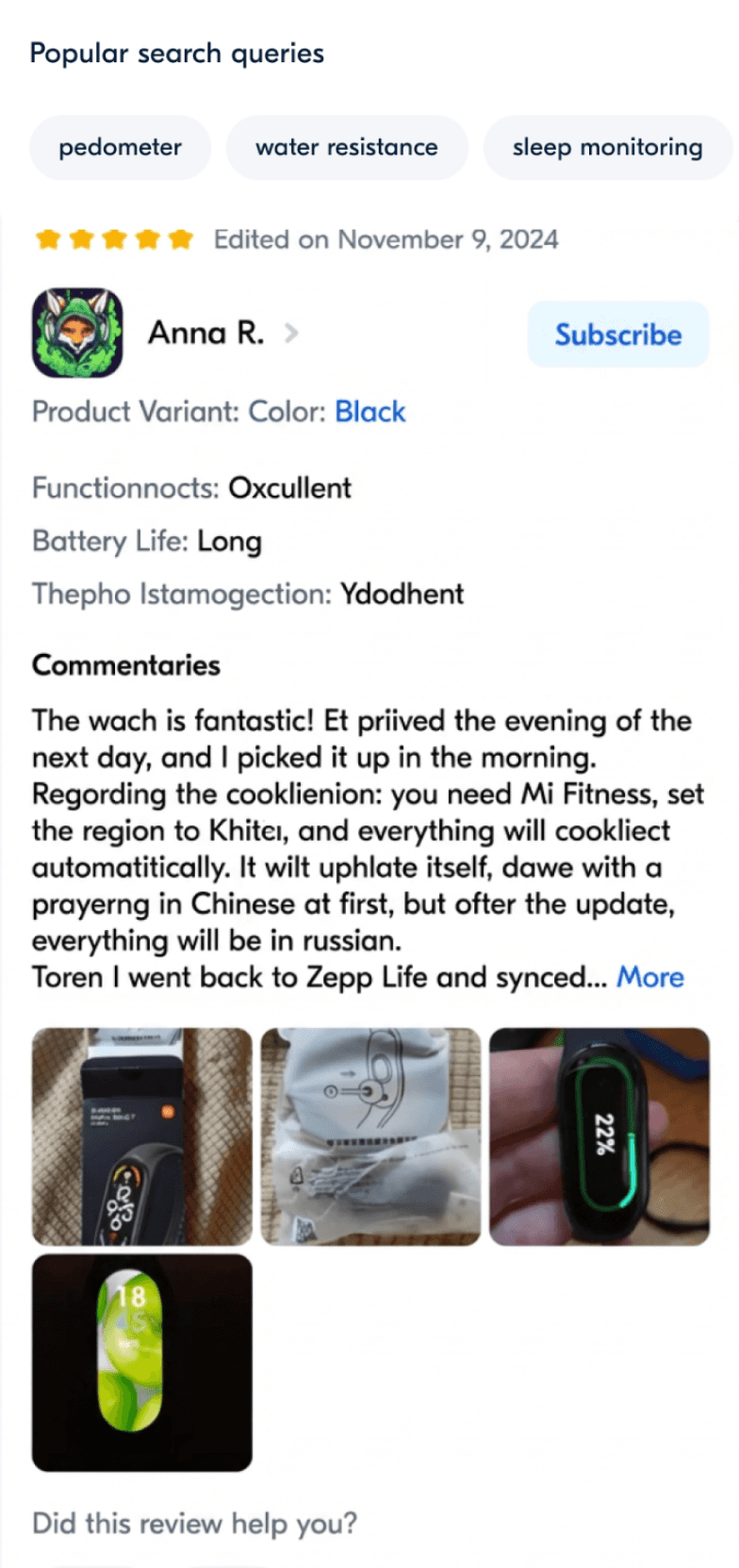
• Quick view of reviews inside the product page
• A reviews tab when you scroll down, as users get lost in the volume of information
• Important tabs pinned on top to reach a section faster
• Useful reviews first: most liked and fresh
• “Popular search” tags as quick filters
• Keyword search to find specific info in reviews
H3 · H5
QR payment and adding items after payment
• A button to save the QR code and use it in the banking app, as some users had trouble opening a non-primary bank’s app
• If the user forgot some items (it happens very often, according to interviews), they can add them after payment
• A pinned 10-minute countdown to add items to the order just paid
Screens of the new user flow


Product card & reviews


Reviews


Payment via QR


Adding items after payment
(12) Backlog
01
Adding products to the order
Optimizing steps and screens after clicking on payment: adding products in 1 click.
02
Interface decluttering
Simplifying and minimizing visual noise for new users and 45+ audiences.
03
Choosing product variations
Convenient selection of color and quantity when adding to the cart, without unnecessary transitions.